3′
Three to six minutes, start to finish
Every lesson is 8–12 cards — one hook, a few concepts, four or more things you actually do, one win. Short enough for a coffee queue. Complete enough to matter.
reps. is a micro-learning app for adults. Three to six minutes, a handful of swipeable cards, one idea that sticks. 60 courses on money, technology and life — no fluff, no jargon, no 40-minute videos you never finish.
Works offline. Installs straight from your browser — no App Store, no download, no ads.
The idea
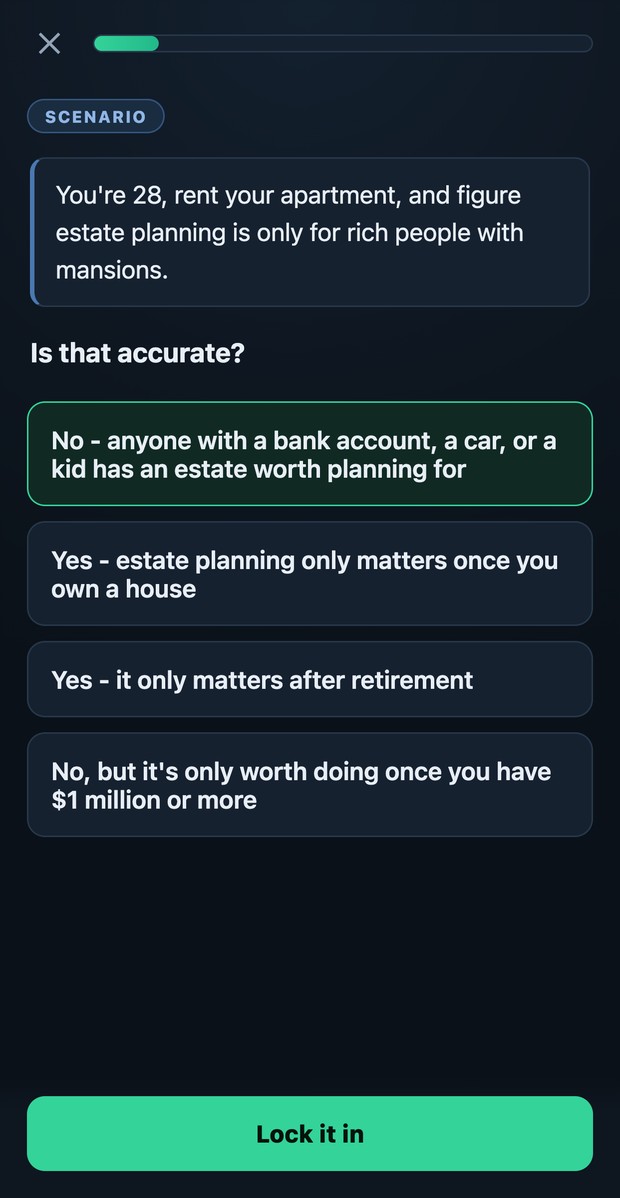
Most "learning apps" for grown-ups are just videos with a quiz bolted on. reps. is built the other way round: you're doing something every card or two, and every lesson is engineered to land exactly one idea.
Every lesson is 8–12 cards — one hook, a few concepts, four or more things you actually do, one win. Short enough for a coffee queue. Complete enough to matter.
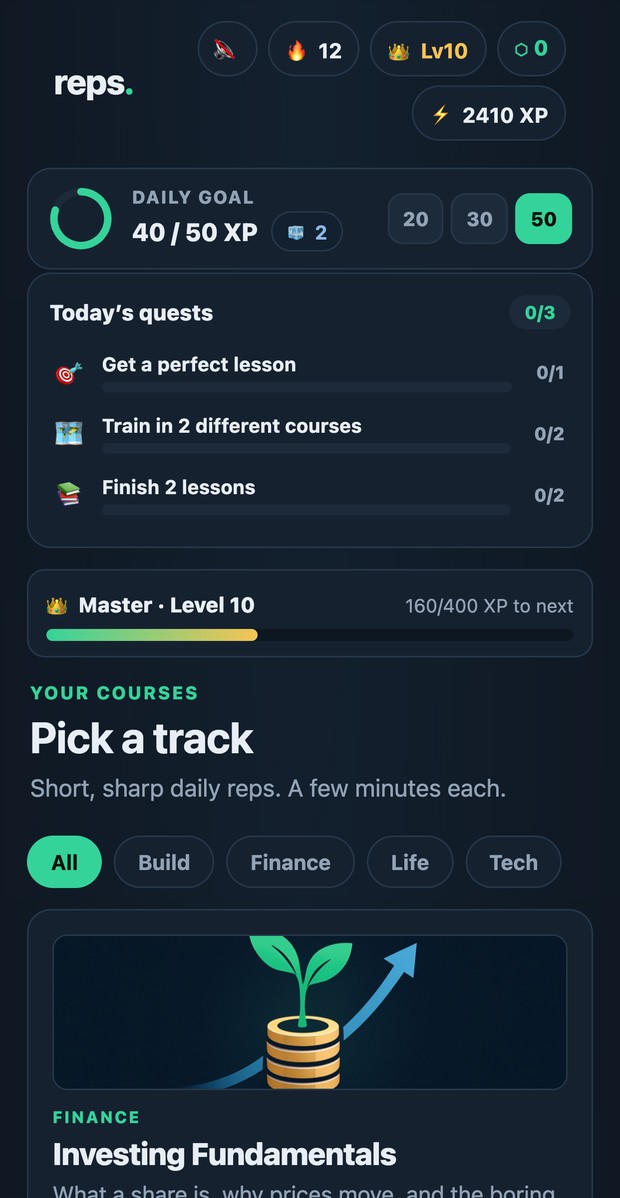
Missed cards come back at the end of the lesson, then again after a day and after a week. Spaced repetition is doing the real work in the background.
Daily goals, streak freezes, credits, daily quests and speed challenges. The game layer exists for one reason: getting you to come back tomorrow.
Eleven kinds of card
Never two reading screens in a row. That's the whole mechanic.
The library
Money, technology, building things, and the life skills nobody taught you. Every course is free to learn today, and new ones land regularly.
6 lessons
6 lessons

6 lessons
6 lessons

6 lessons
6 lessons
6 lessons
6 lessons
6 lessons
6 lessons
6 lessons
6 lessons
6 lessons
6 lessons
6 lessons
6 lessons
6 lessons
6 lessons
6 lessons
6 lessons

6 lessons
6 lessons
6 lessons
7 lessons

7 lessons
6 lessons
7 lessons
7 lessons
6 lessons

6 lessons
6 lessons

6 lessons
7 lessons

7 lessons
6 lessons
6 lessons

6 lessons

6 lessons
6 lessons

6 lessons
7 lessons
7 lessons
7 lessons
6 lessons
7 lessons
6 lessons
6 lessons
6 lessons
7 lessons
6 lessons
6 lessons
6 lessons
6 lessons
6 lessons

6 lessons
6 lessons
7 lessons
6 lessons
6 lessons
6 lessons
Put it on your phone
It's a Progressive Web App — a website that installs like a real app. No App Store, no Play Store, nothing to download. You get a home-screen icon, a full-screen app with no browser bars, and lessons that keep working with no signal. Start without an account; sign in once (email or Google) whenever you want your progress to follow you to every device.
You must use Safari — on iOS, Chrome and Firefox can't install web apps.
Use Chrome (Samsung Internet, Edge and Brave work the same way).
On a laptop? In Chrome or Edge, open the app and click the small install icon (a monitor with a down-arrow) at the right-hand end of the address bar — or use the ⋮ menu → Cast, save and share → Install page as app. Safari on macOS: File → Add to Dock.
Questions
Yes. All 60 courses and all 372 lessons are free today — no ads, no trial timer, no credit card. If a paid tier ever arrives, the core lessons stay free.
Not to start — tap Try a lesson first and you're in. Sign in when you're ready (an email and a password, or Google): that's what carries your progress to other devices and puts you on the leaderboard. Until then it lives on the device you're using.
Yes. Once installed, the whole app is cached on your device. Lessons, diagrams and your streak all work on a plane or in a basement; XP syncs the next time you're online.
It doesn't need to be. reps. is a Progressive Web App: it installs directly from your browser, updates instantly with no download, and takes up a fraction of the space. Same icon on your home screen, same full-screen experience.
Three to six minutes. Eight to twelve cards, and you're interacting on most of them. It's designed to be finishable in a queue — not something you have to schedule.
No. The money courses teach how things work — what a fee is, how compounding behaves, how a credit score is built. They never recommend a specific stock, fund or product, and they aren't a substitute for a professional who knows your situation.
An independent developer, built for adults who want to actually understand things rather than watch a video about them. There's a kids' version too, called Batch.
Pick a course, do one lesson, and see whether it sticks. Nothing to install first.